Trusted by leading companies
The Tempo ecosystem
Four tools – one goal: full project transparency
Structure provides the framework for your projects and portfolios. Timesheets, Planner and Financial Manager supply the operational data on time, utilization and cost within it – all four seamlessly integrated into Jira. The Power BI Connector additionally makes this data usable for your own dashboards.
Structure
Keep track of progress and dependencies even across many parallel projects. Structure bundles your Jira issues into flexible hierarchies, project plans and portfolio overviews.
Timesheets
Know instantly which hours are billable – without leaving Jira. Tempo Timesheets logs time directly on the issue, separates billable from non-billable hours and delivers ready-made billing reports.
Planner
Spot bottlenecks before they become a problem. Tempo Planner shows utilization and availability at team and project level – for realistic capacity planning.
Financial Manager
Keep costs, budgets and margin in view. Tempo Financial Manager evaluates the data from Timesheets and Planner financially – including CAPEX/OPEX categorization.
Timesheets, Planner and Financial Manager work together: recorded actual time and capacities feed directly into cost and budget evaluation – for steering based on real data instead of estimates.
The full picture only emerges when they work together
The strength lies in the combination: structure from Structure, actual time from Timesheets, capacities from Planner and costs from Financial Manager together create end-to-end project reporting – across progress, budgets and utilization.
Tempo Power BI Connector
Extension for reportingNot a standalone Jira tool, but an extension on top: the Power BI Connector exports data from Structure, Timesheets, Planner and Financial Manager to Microsoft Power BI – for individual dashboards and management reporting outside of Jira.
Award-winning partnership
Change doesn’t happen by itself – it takes people, ideas and strong partnerships. We’re all the more pleased about the recognition from Tempo.
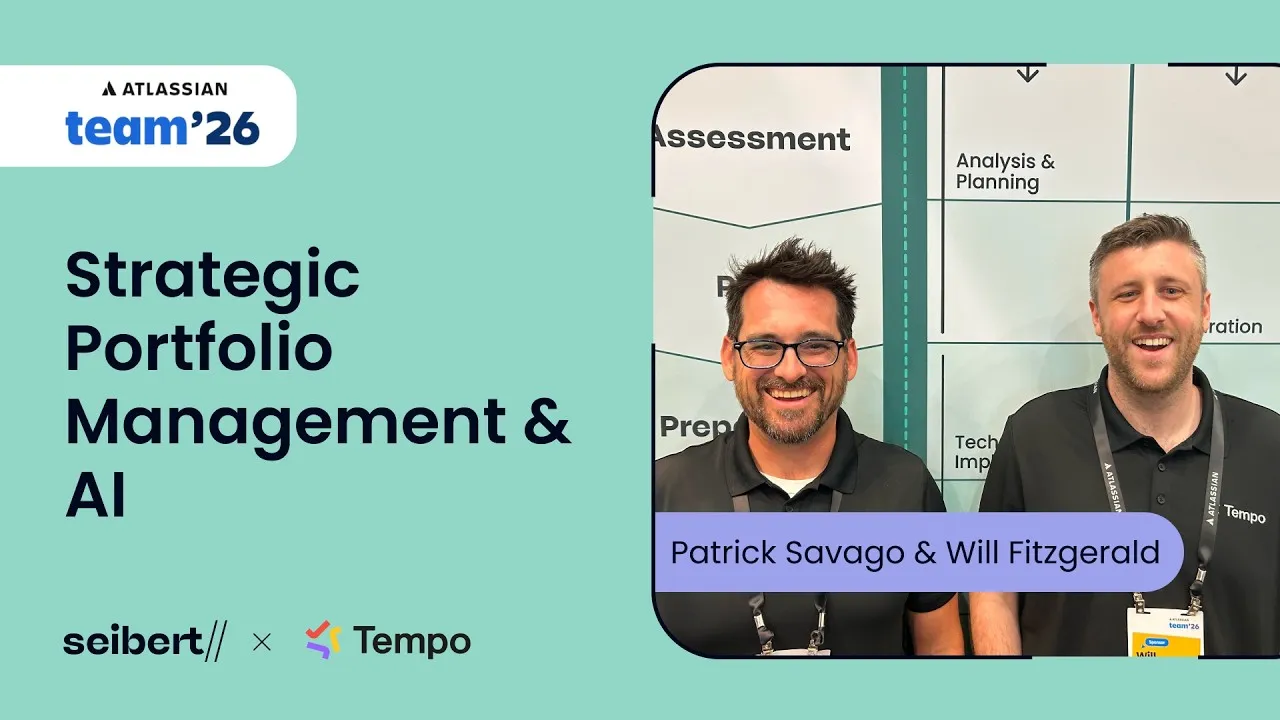
Atlassian Team ’26
Portfolio management & AI – Tempo at Atlassian Team ’26
Patrick Savago and Will Fitzgerald from Tempo show how AI is transforming strategic portfolio management in Jira – and what possibilities this opens up for planning, transparency and decision-making.
When customers come to us
Typical use cases
From initial rollout to optimization – these are the most common scenarios in which companies work with us.
New rollout of Timesheets or Planner
The most common use case: companies roll out Tempo Timesheets, Tempo Planner or both apps in combination. We support the entire process – from requirements analysis to go-live.
Migration to Jira including Tempo
When companies migrate their project management from Excel or Microsoft Project to Jira, they often set up their time tracking and resource planning via Tempo at the same time. We integrate both from the start.
Optimizing existing setups
Jira is already in use, so is Tempo – but the setup no longer fits or potential isn’t being tapped. We analyze existing configurations and develop targeted improvements.
Advanced reporting & analytics
For more specific requirements around billing, CAPEX/OPEX evaluation or management reporting, Tempo Financial Manager provides detailed financial analysis; the Power BI Connector and the Tempo API enable individual dashboards and a full overview outside of Jira.
What we do for you
Our services around Tempo
From initial consulting through configuration to optimization – we make sure the Tempo tools deliver the greatest value in your company.
Consulting & discovery
So you choose the right solution from the start: we analyze your starting position and jointly develop a target picture – for time tracking, project structuring or resource planning.
Rollout & configuration
So Tempo fits your processes from day one: we configure time accounts, approval workflows, project structures, Gantt views and capacity plans precisely for you.
Optimization & reporting
So you always keep an overview of budgets and costs: we analyze and improve existing setups – from individual billing reports to proof of performance to budget control.
Training & enablement
So your team doesn’t just use the Tempo tools, but gets the most out of them – remote or on-site, for users and administrators alike.
Support & further development
So your setup keeps growing even after go-live: we continue to support you – with questions, adjustments and further development.
Collaboration
How we work with you
Depending on your starting position and goals, we choose the right format for your project.
Solution discovery
Half-day preparation plus a half-day workshop – for a well-founded assessment of your requirements.
Workshops
Target-picture and concept workshops – half-day or full-day, depending on complexity.
Consulting packages
Flexible hour packages for ongoing consulting and configuration as needed.
Rollout projects
Structured rollout at a fixed price or on a time-and-materials basis – from planning to go-live.
Trainings
Hands-on training for your team – remote or on-site, tailored to your roles and processes.
Consulting Package Plus
Our comprehensive package for customers who need strategic support over a longer period.
Frequently asked questions
What is Tempo Timesheets?
What is Tempo Timesheets?
Tempo Timesheets is the leading time-tracking app for Jira. Teams log working time directly in Jira, distinguish between billable and non-billable hours, and create reports for billing. More about Tempo Timesheets →
What is Structure by Tempo?
What is Structure by Tempo?
Structure lets you organize Jira issues into flexible hierarchies – across projects and with a Gantt view. This gives you an overview of complex project landscapes and dependencies. More about Structure →
What is Tempo Planner?
What is Tempo Planner?
Tempo Planner (formerly Capacity Planner) supports resource and capacity planning. You see at a glance who is available, and plan teams and projects realistically. More about Tempo Planner →
What is Tempo Financial Manager?
What is Tempo Financial Manager?
Tempo Financial Manager complements Timesheets and Planner with financial control: costs, budgets and margin at project and portfolio level can be evaluated in real time – based on the time and capacity already recorded. More about Tempo Financial Manager →
Can time also be evaluated by CAPEX and OPEX?
Can time also be evaluated by CAPEX and OPEX?
Yes. Using Tempo Accounts and custom worklog attributes, issues and logged time can be categorized as CAPEX (capital expenditure) or OPEX (operating expenditure) costs. Combined with Tempo Financial Manager, you get a fine-grained cost breakdown for your controlling. More about CAPEX/OPEX tracking →
What is the Tempo Power BI Connector?
What is the Tempo Power BI Connector?
The Power BI Connector exports data from Jira and the Tempo apps – including custom fields – directly to Microsoft Power BI. This enables individual dashboards and analyses that go beyond what’s possible in Jira. More about the Power BI Connector →
Which teams are the Tempo tools suited for?
Which teams are the Tempo tools suited for?
The Tempo product family suits any team that works with Jira and needs more transparency around time, resources and project progress – from software development to project management to agencies and service companies.
How does Seibert Solutions support a Tempo rollout?
How does Seibert Solutions support a Tempo rollout?
We support you from consulting through configuration to training. In an initial conversation, we clarify your requirements and recommend the right approach – whether that’s a workshop, a rollout project or a consulting package.